Facilgo Resident Portal
Creating a resident portal where the residents who are the customers of FacilGo can raise their request regarding their house maintenance.
ROLE & DURATION
UX UI Designer
UX Design, UI Design
2022- 2023
CLIENT
FacilGo
The Problem
The residents of the customers of FacilGo do not have a platform to raise their request or place complaints. It is all done through a call centre.
The residents calls the centre, they note the issue, they in turn let FacilGo know and then FacilGo sends their technicians.
To make this procedure easier, we came up with the resident portal
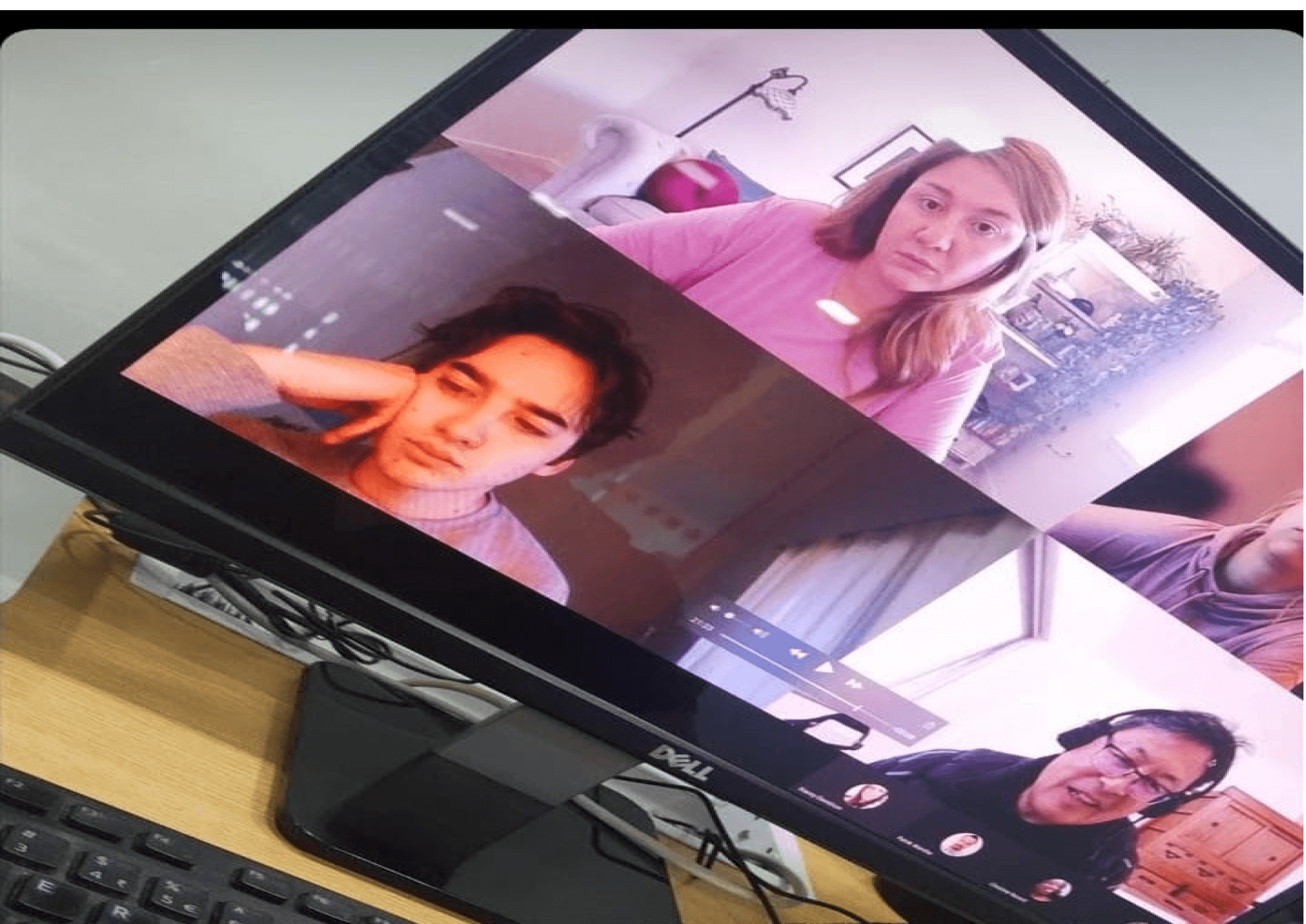
Brainstorming sessions and deciding on the flows
After deciding on creating a resident portal, we got on regular calls with the team on fixing on the flows that are essential for the portal.
Decided on three major components that will work as the key flow for the resident portal.

Wireframes
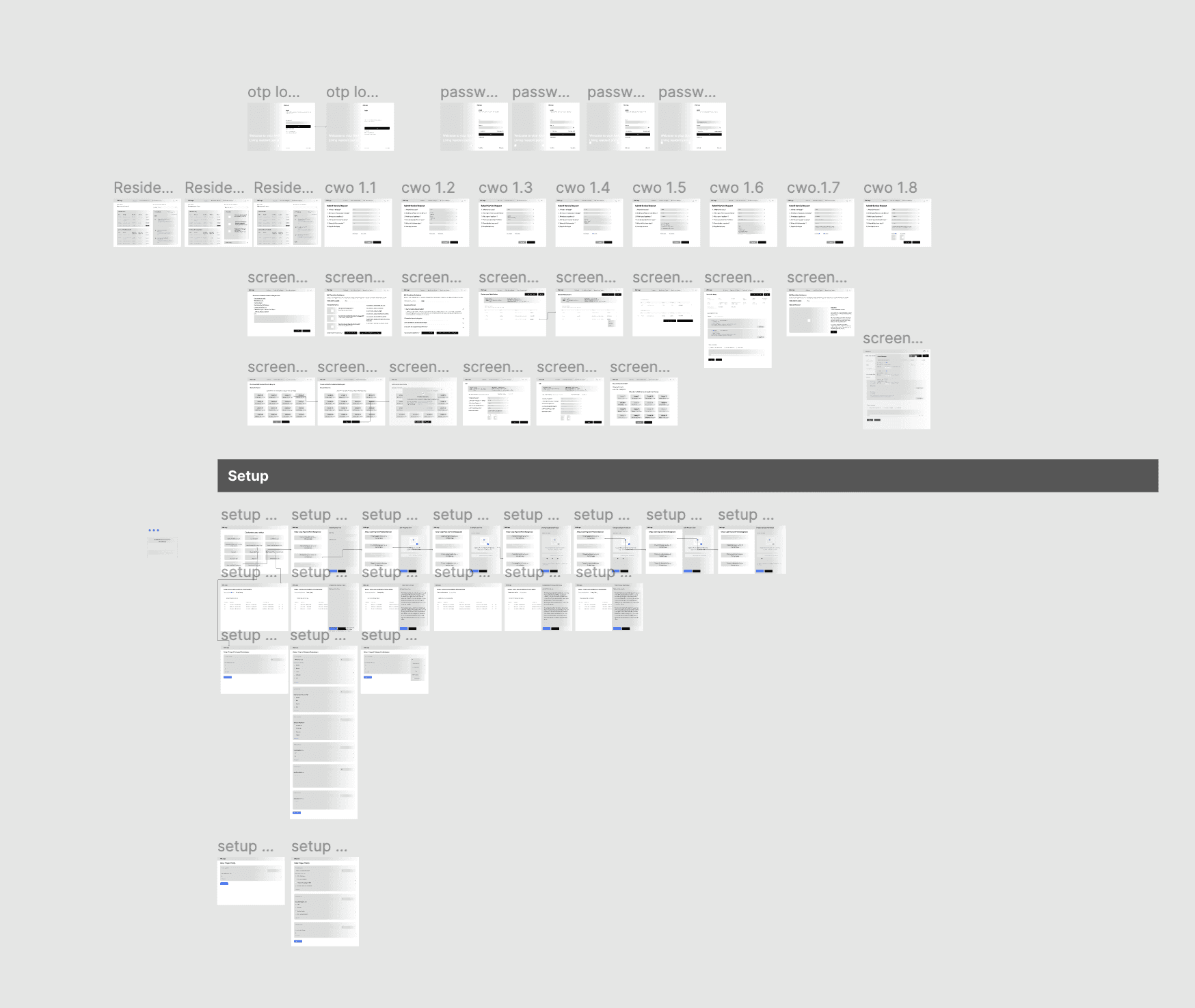
After rough sketching, I created wireframes and started with draft version of the design.
After few iterations, the design for Version 1 was ready and tested with few of the customers.
UI Design and Prototyping
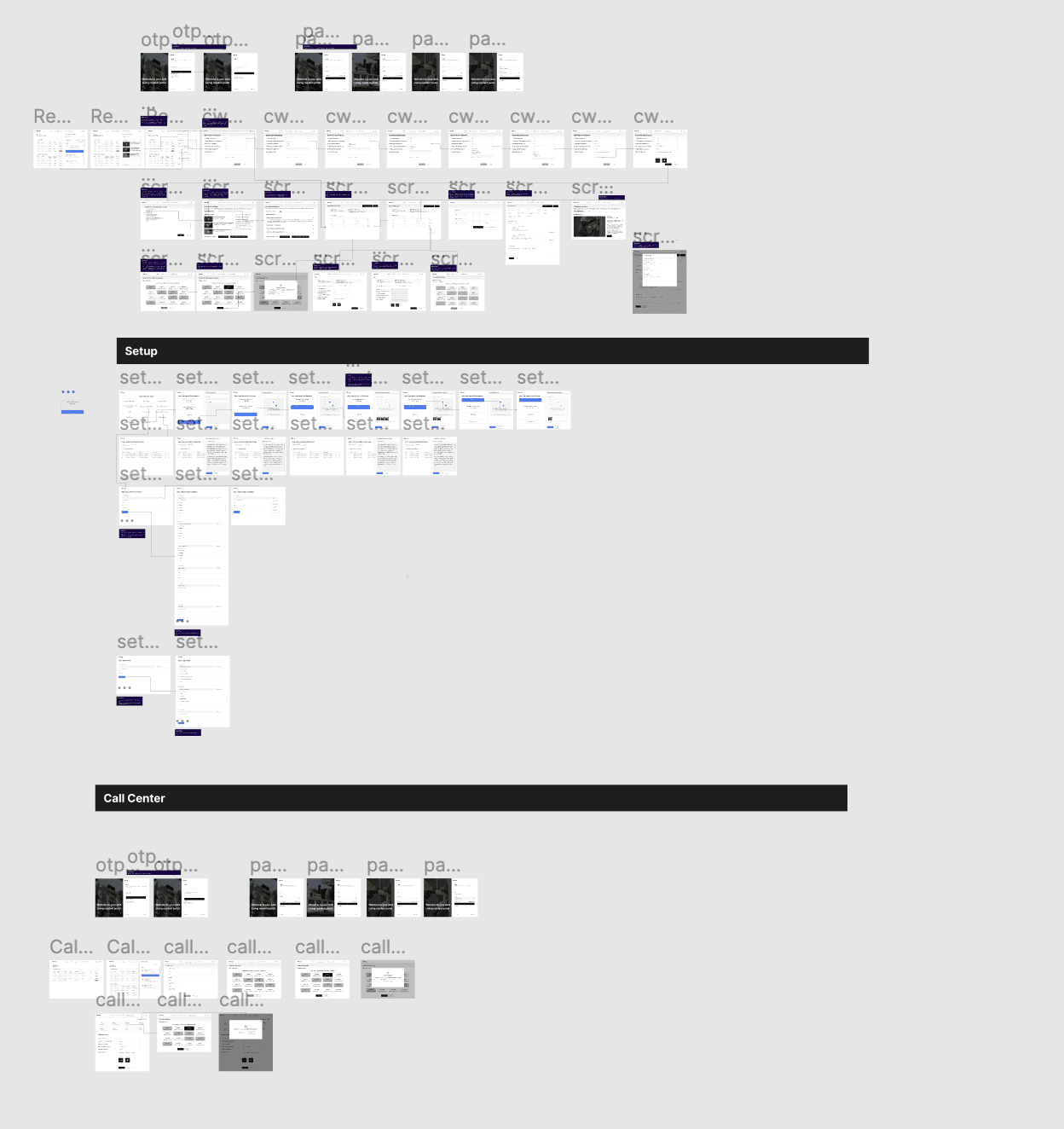
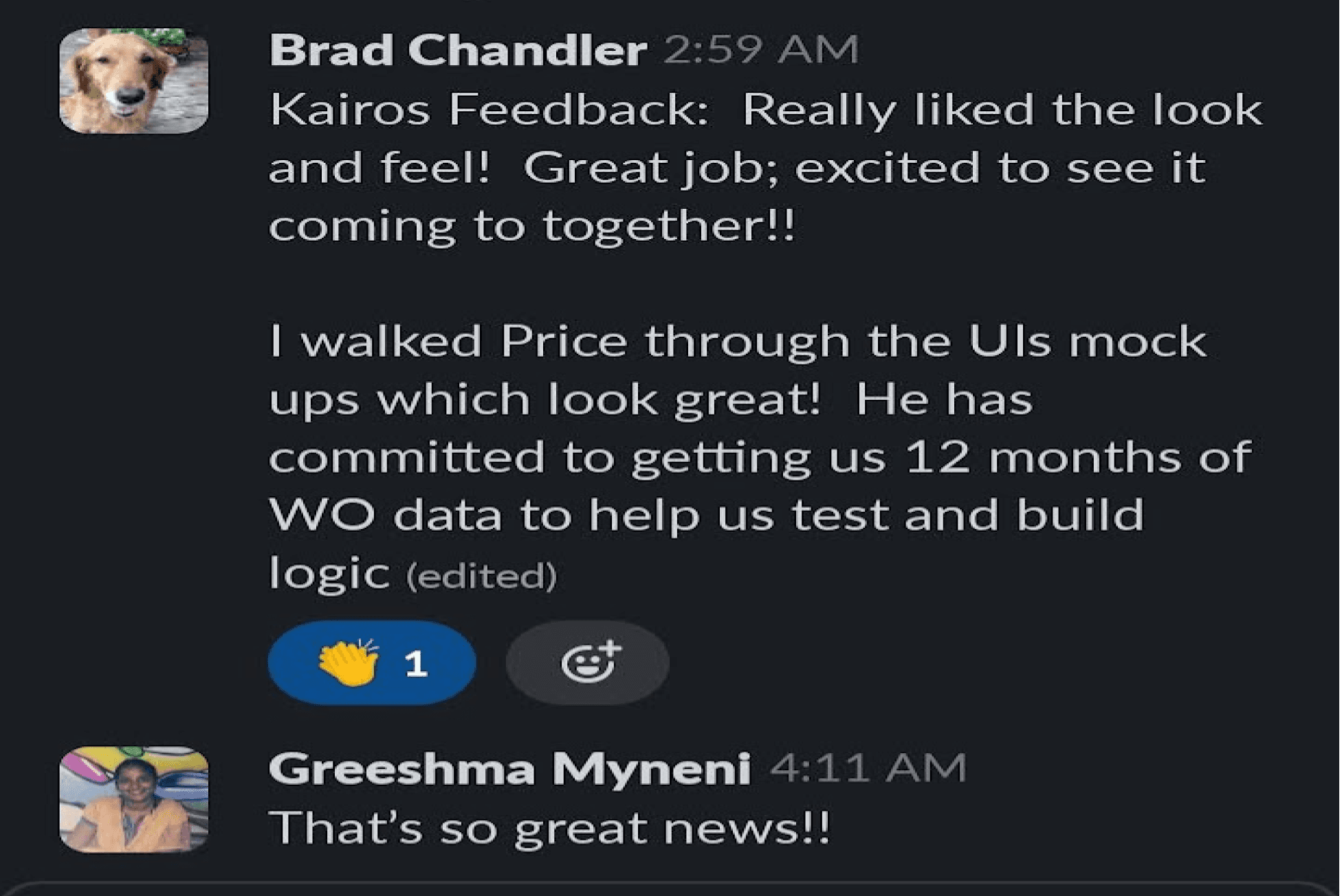
With version 1 ready, I made a working prototype and shared it with the team and one of our customers to test how it is received.
The feedback from the client is listed below. With few tweaks , the final version was ready for the release
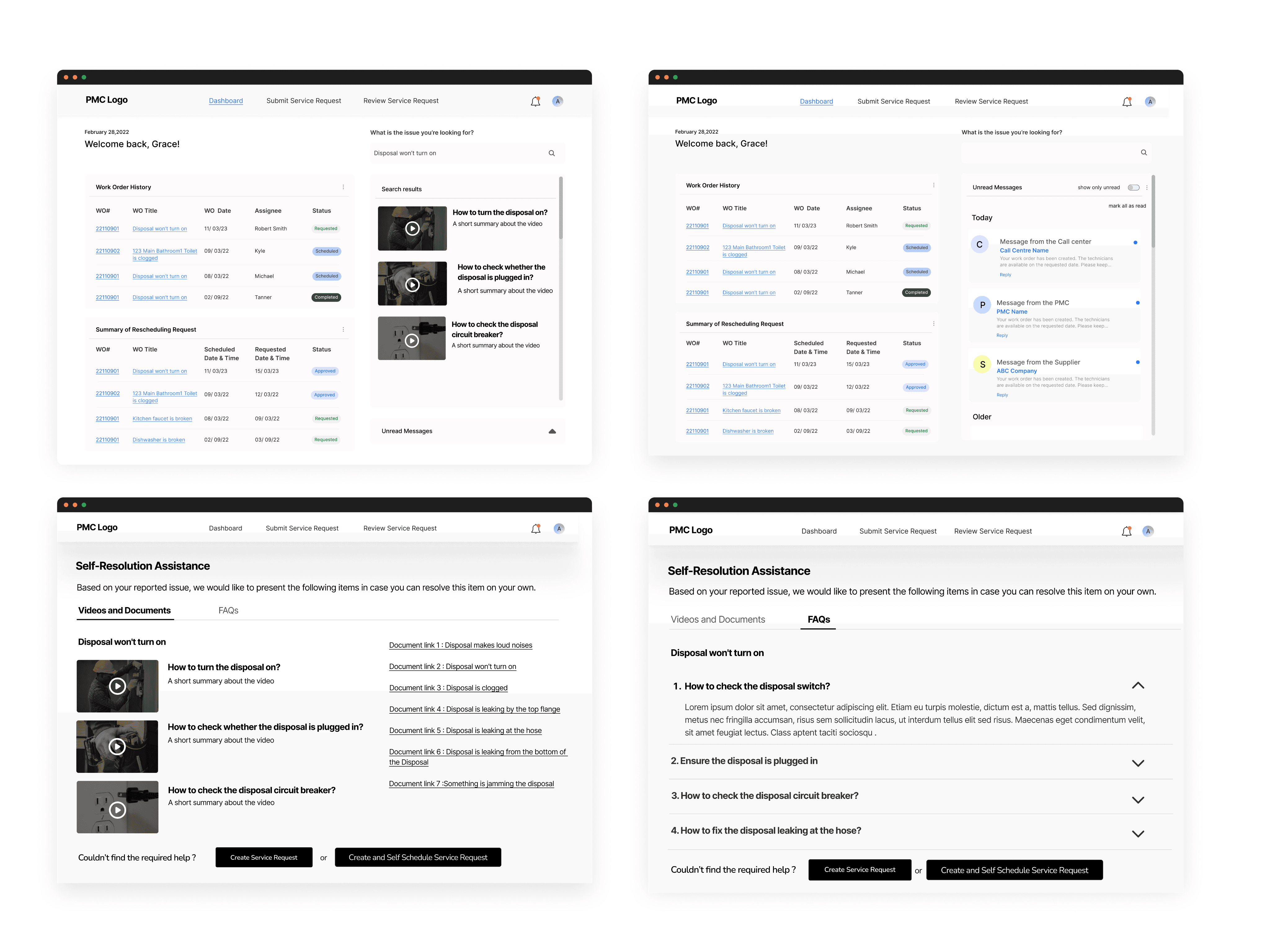
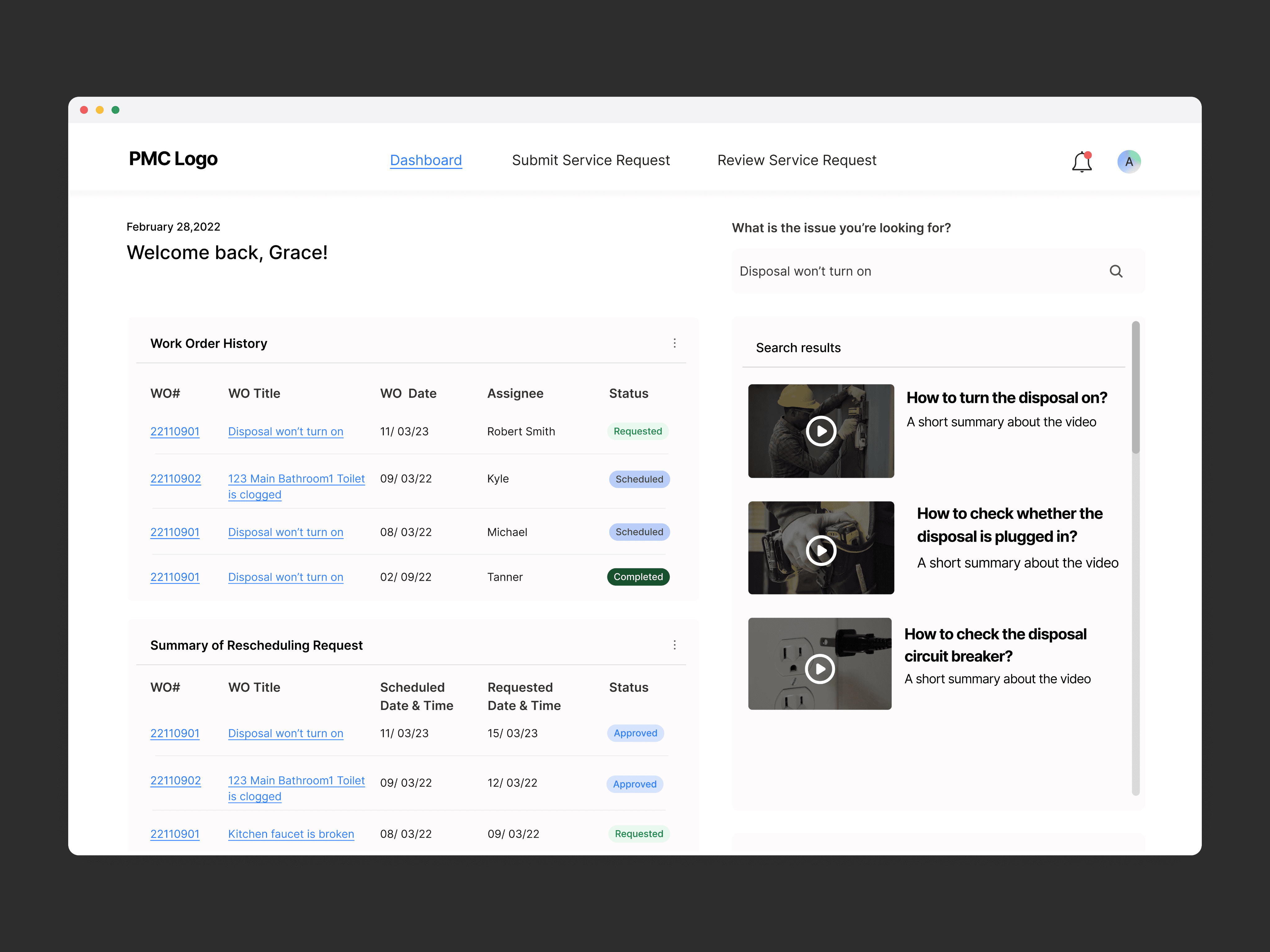
The residents view
The above are some of the main screens that the residents see. It has a dashboard, submit service request section and review service request. The user can also try and resolve themselves following the videos and documents provided or the FAQs.
If they feel they need the technicians to do it for them then they can submit a request
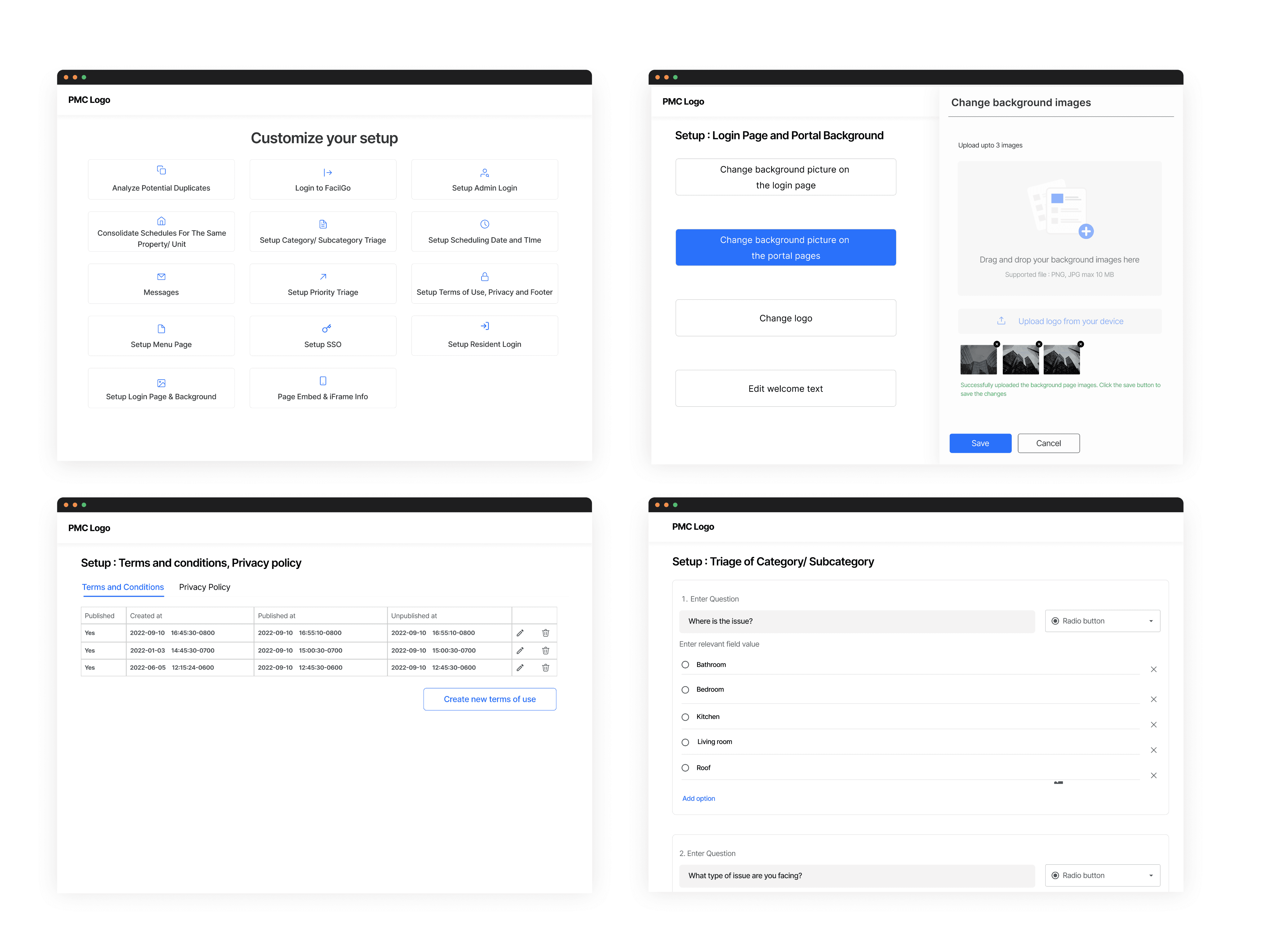
Customer portal setup
The above are some of the main screens that the companies use to customise the portal. They can change the background , logo add the Questions and answers for the FAQs , setup terms and conditions, upload the videos and documents of their technicians that they have recorded earlier for the residents.
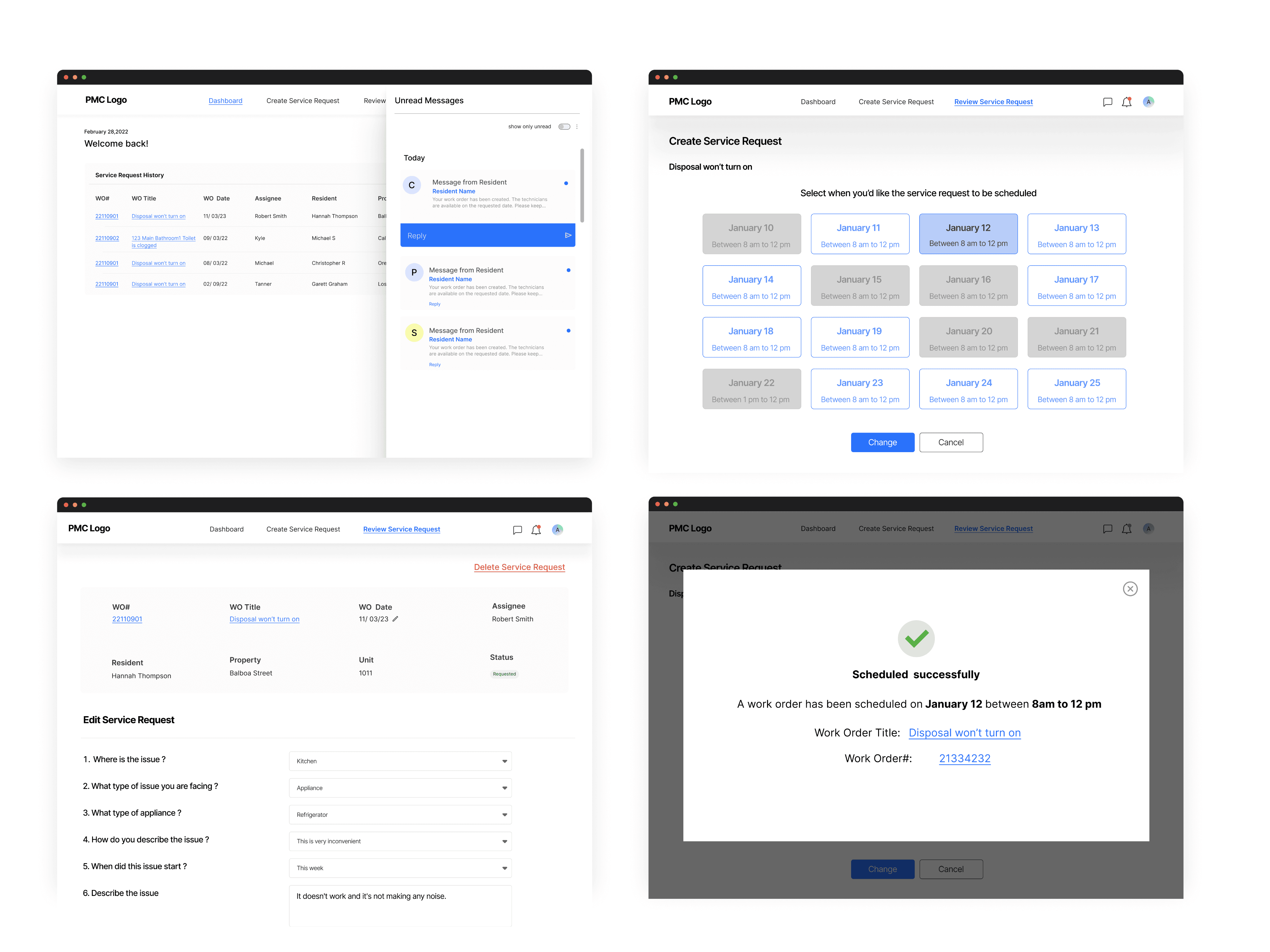
Customer portal setup
The above are some of the main screens that the Company see. It has a dashboard, create service request section and review service request. Sometimes when the user is unable to submit request, the call centre does it for them including the date and time
The call centre can also review the request ,based on the query they can schedule or reject the request if needed